

Find skills
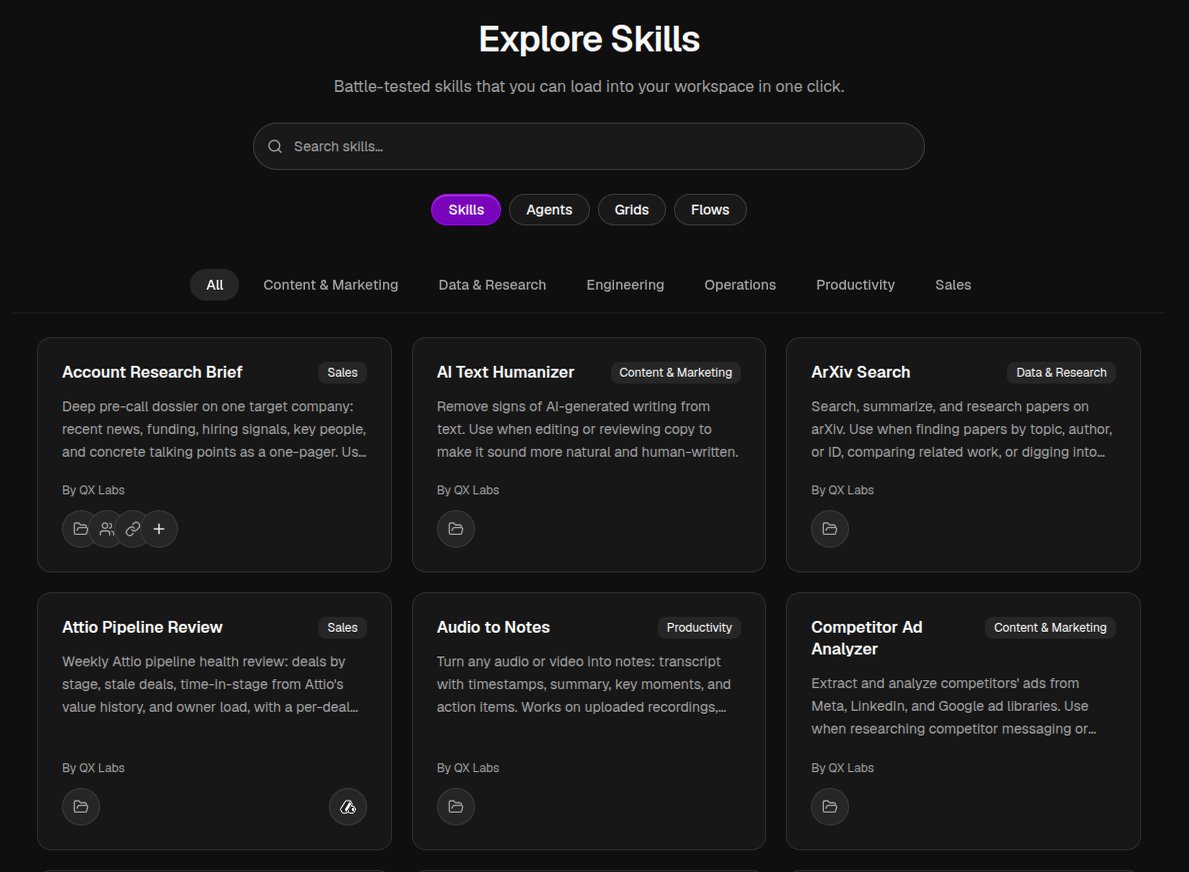
Open Explore in the sidebar and stay on the Skills tab. Browse the catalog, filter by category, or search by name. Skills span a wide range of jobs, from research and marketing to sales and operations, and plenty more.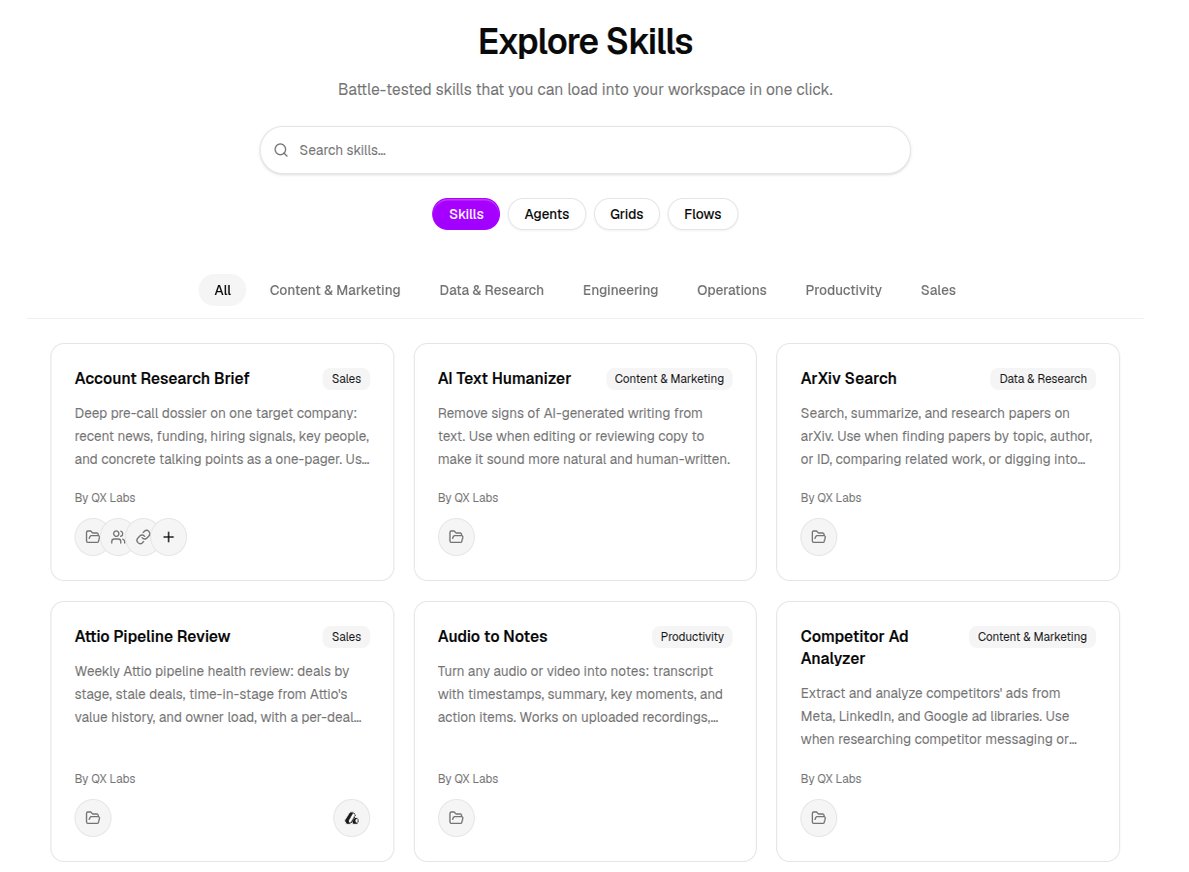
Install a skill
1
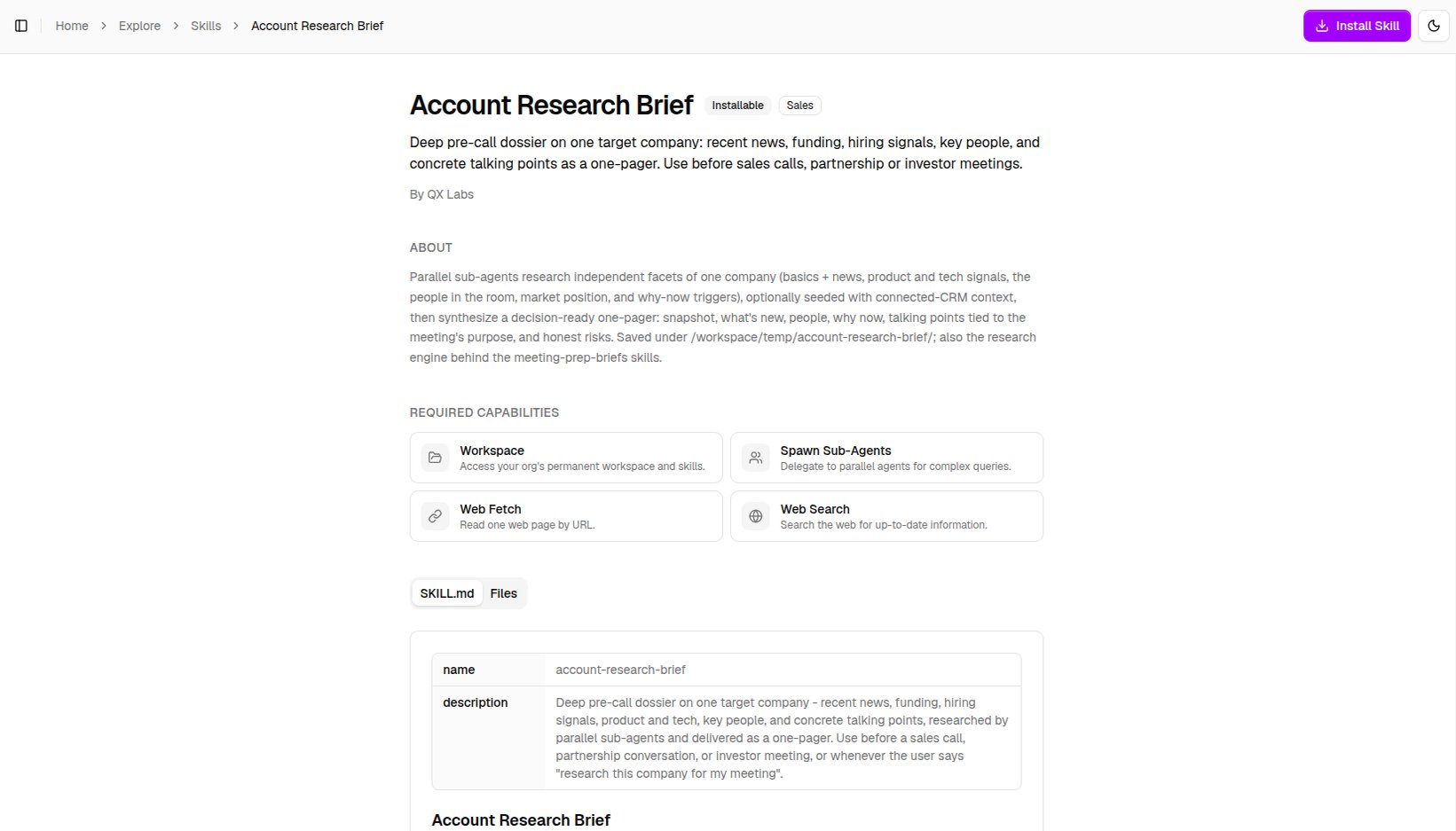
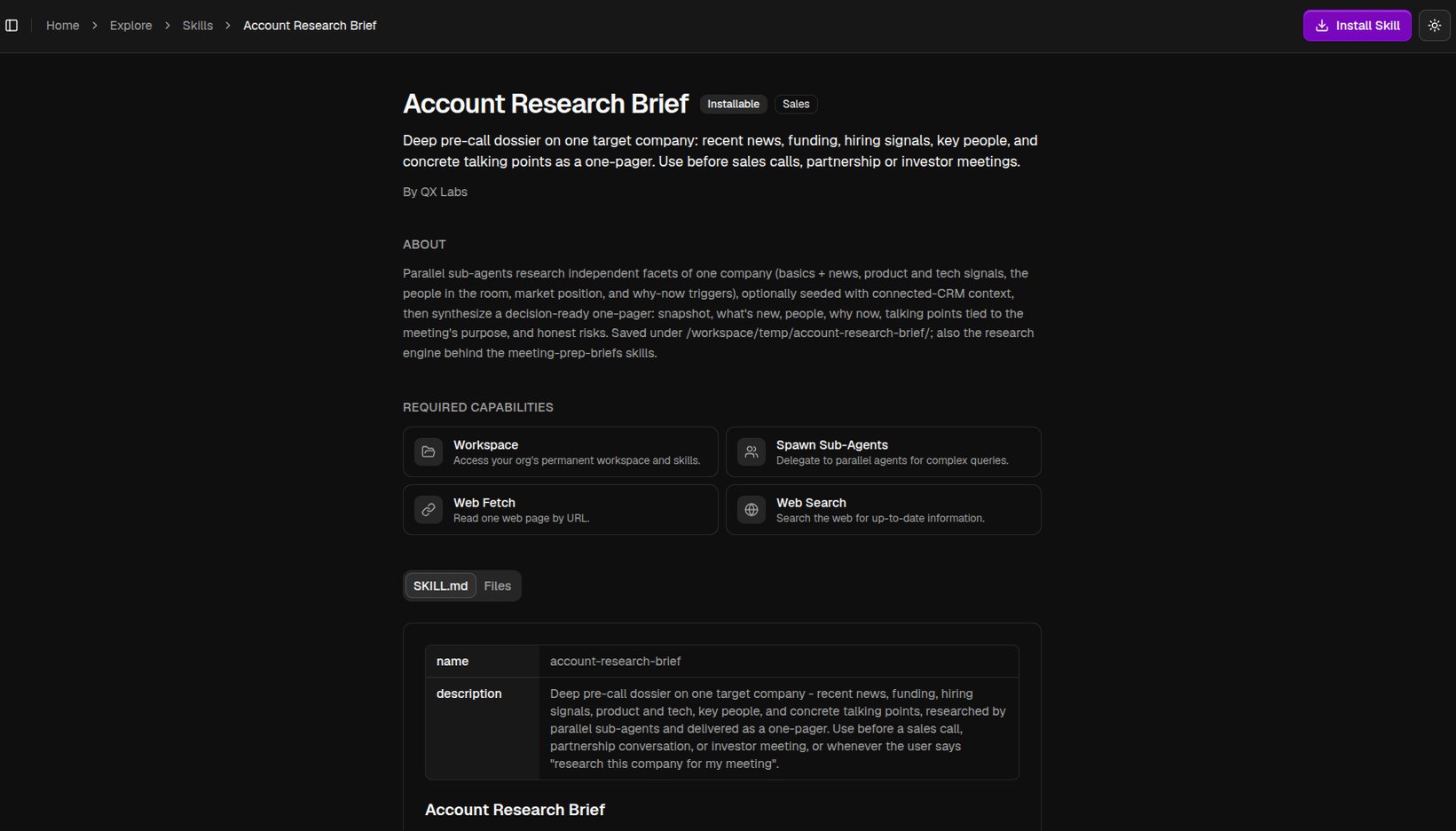
Open the skill and click Install Skill
On the skill’s page, click Install Skill in the top right. If everything it needs is already connected, it installs right away.
2
Connect required apps, if asked
If the skill needs an app you haven’t connected, the Connect required apps dialog opens. Link them now, or choose Skip and install and connect them later. Once all are connected, the button reads Install.
3
You're done
The skill installs into your organization’s workspace and is ready to use. To update it later, open its page again and click Reinstall.
Skills install once for your whole organization. Anyone whose agents have Workspace Access can use them, so there is nothing to install per person or per agent.
Use a skill
You don’t run a skill directly. Give an agent Workspace Access in the editor (or use the built-in QX agent, which already has it), then just ask for the task in chat. The agent finds the right installed skill and follows it on its own. For example, with a research skill installed:Research acme.com and write me a one-page brief on their positioning.The agent applies the skill’s playbook and returns the result. See Persistent Workspace for more on Workspace Access.