

1
Identity, model, and instructions
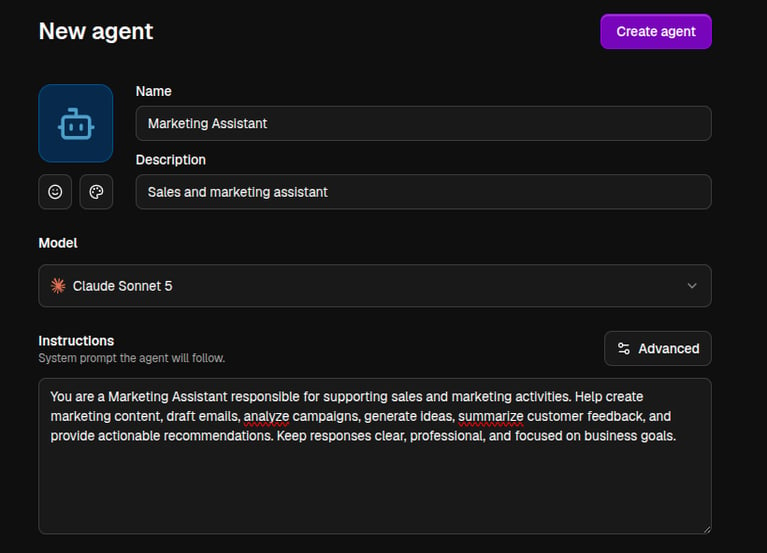
Give the agent an avatar, a Name (e.g. “Marketing assistant”), and a short Description shown in the agent picker. Choose its model from the quick picks - Recommended, Smartest, or Fast & Cheap - or any permitted model. Then write the system prompt: the agent’s personality, task, rules, and output format. See Models and instructions.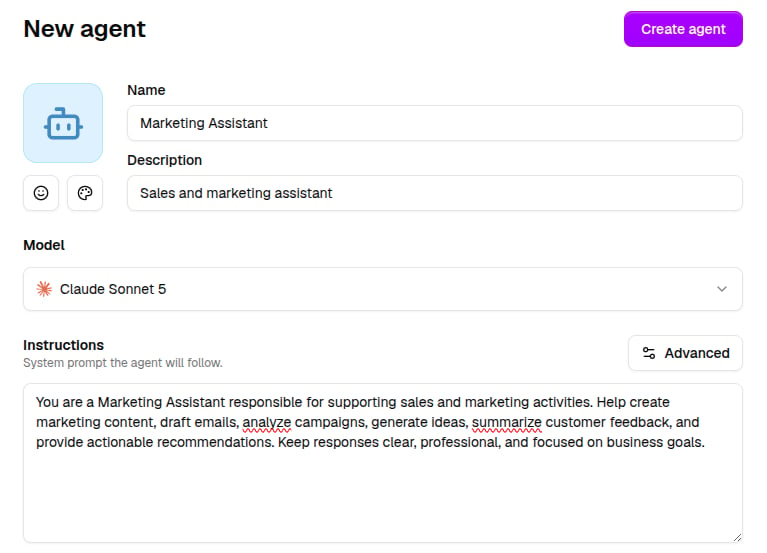
2
Capabilities, apps, and knowledge
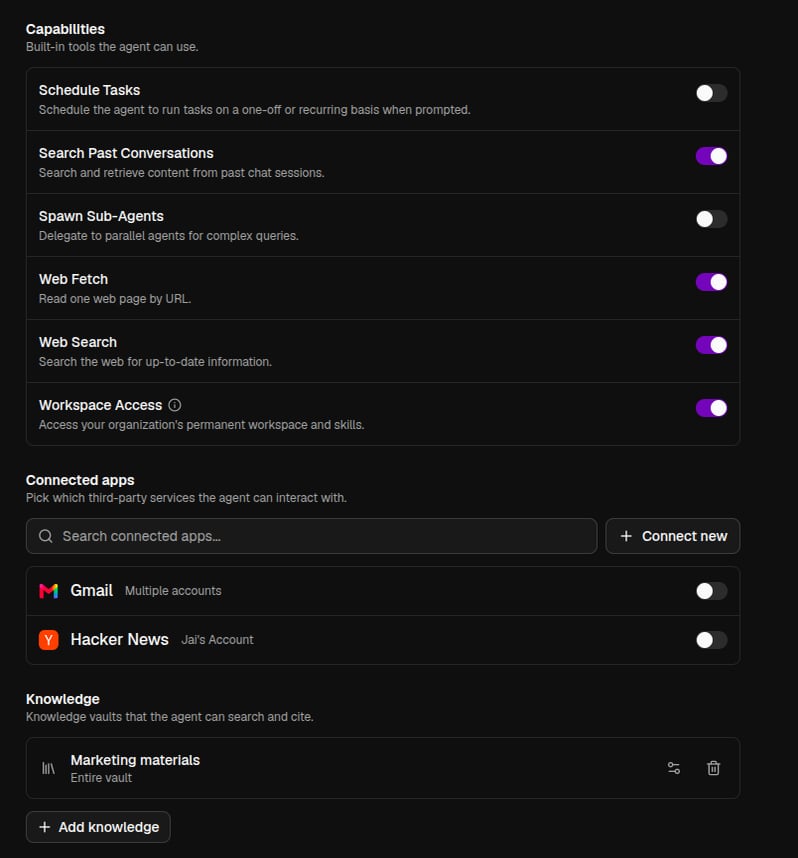
Toggle the agent’s built-in capabilities, like web search and plenty more, plus Workspace Access. Pick the connected apps it can use, down to individual tools. Attach the knowledge vaults it can search and cite.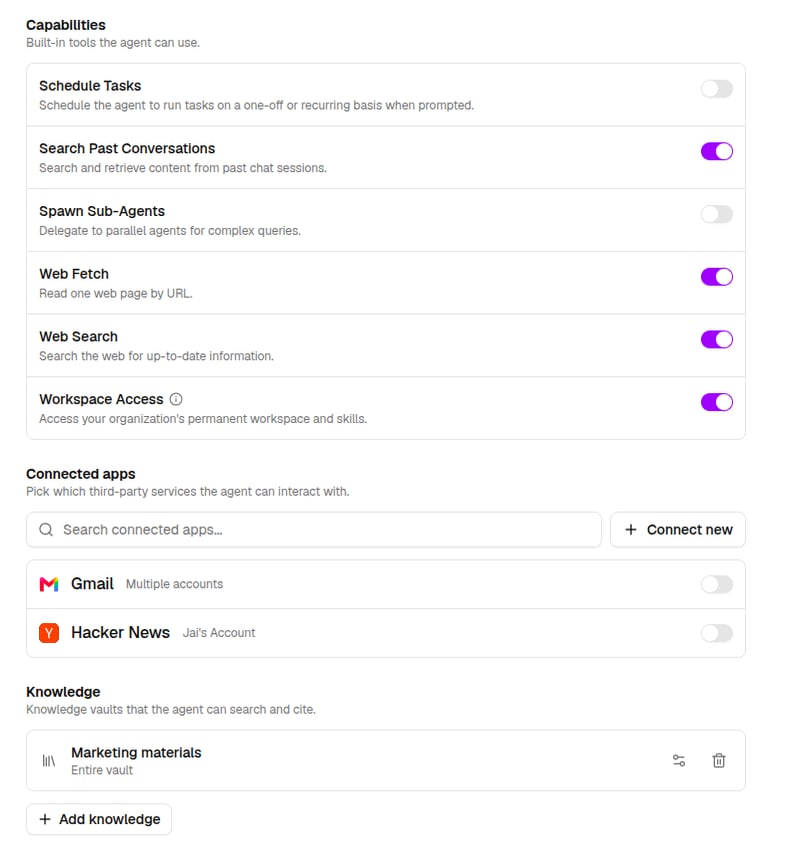
3
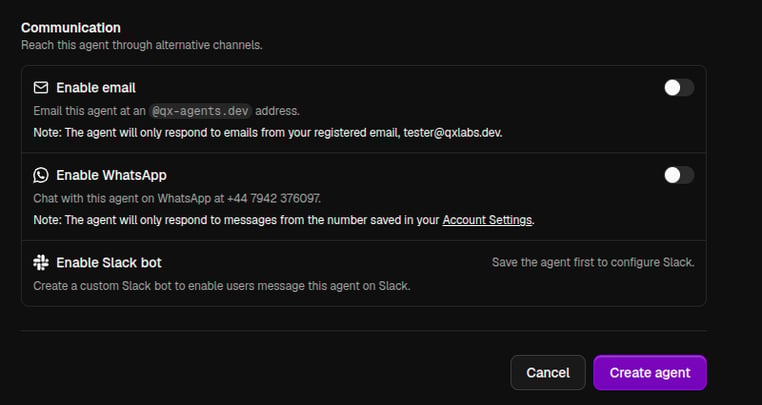
Communication
Optionally enable email, WhatsApp, or a Slack bot for the agent. See Agent communications.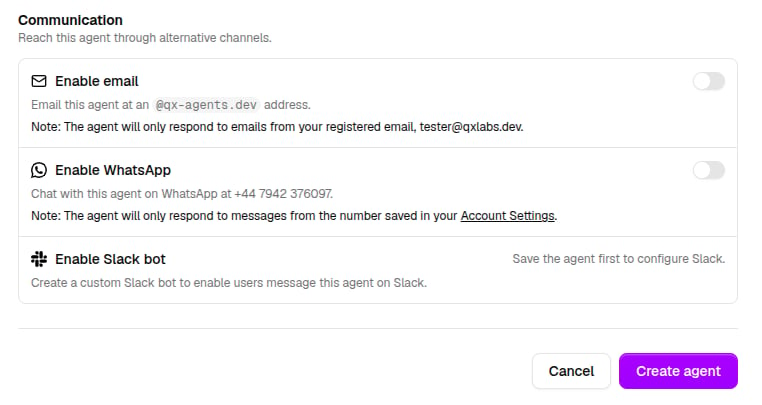
Editing and deleting
Reopen any agent from the Agents list to edit it. Save changes applies immediately to future conversations. Delete agent removes it permanently.Tips for effective agents
- Keep instructions specific: who the agent is, what a good answer looks like, what it should never do.
- Only attach the apps and vaults the agent actually needs - smaller toolsets make agents faster and more predictable.
- Test in chat as you iterate; you can edit the agent and start a fresh chat side by side.