> ## Documentation Index
> Fetch the complete documentation index at: https://docs.qxlabs.com/llms.txt
> Use this file to discover all available pages before exploring further.
# Workflow basics
These are the nodes that give a flow its shape: where it starts, where it ends, and how it branches along the way.
## User Input
**User Input** is where a flow gets its starting values, and it turns your flow into a form anyone can run. Add a field for each value someone needs to provide, and each field's **Name** becomes its label on the form. Fields can be text, numbers, dates, dropdowns, or file uploads, which is how you get a spreadsheet or document into a flow for the file nodes to read.
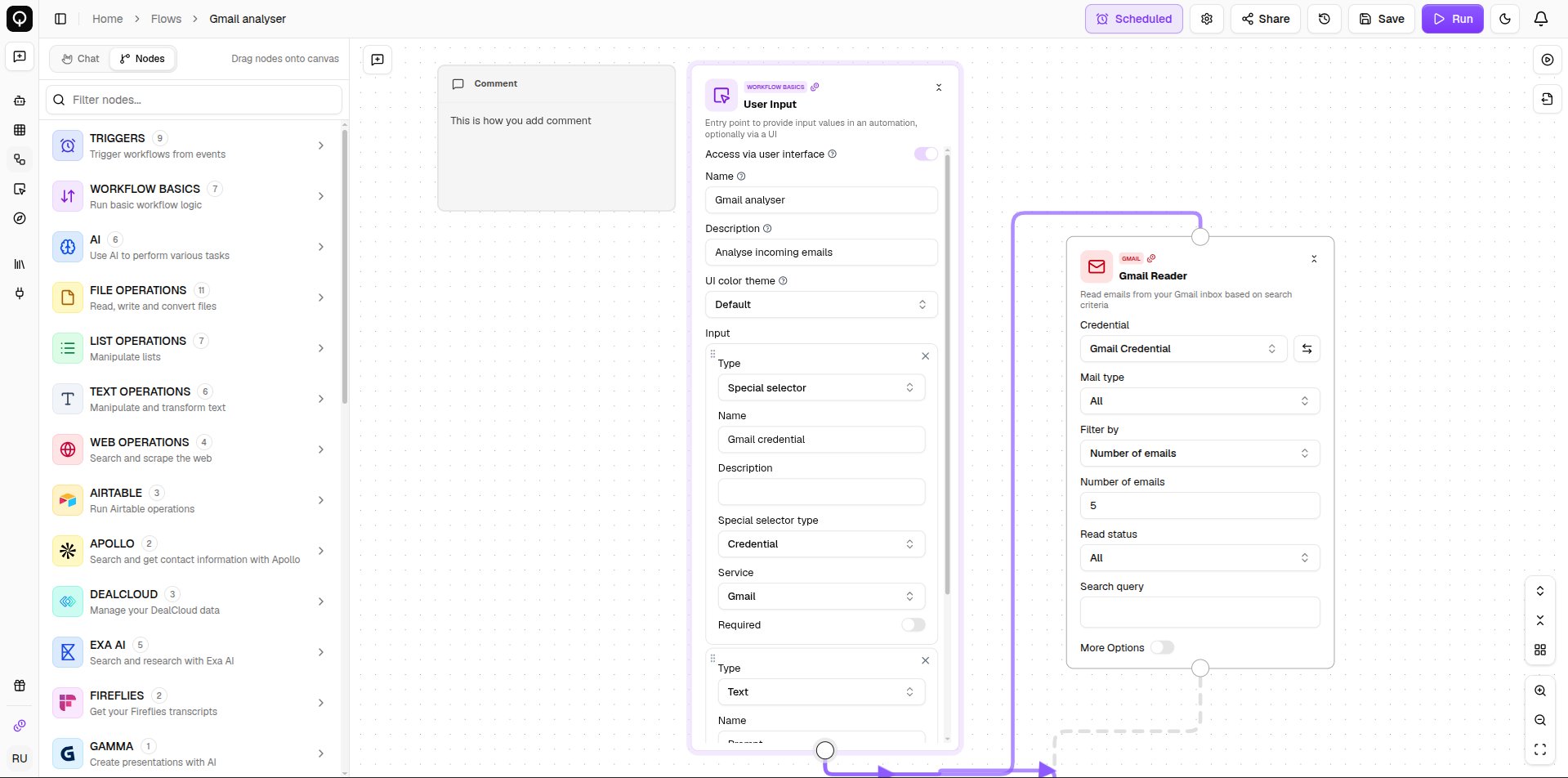
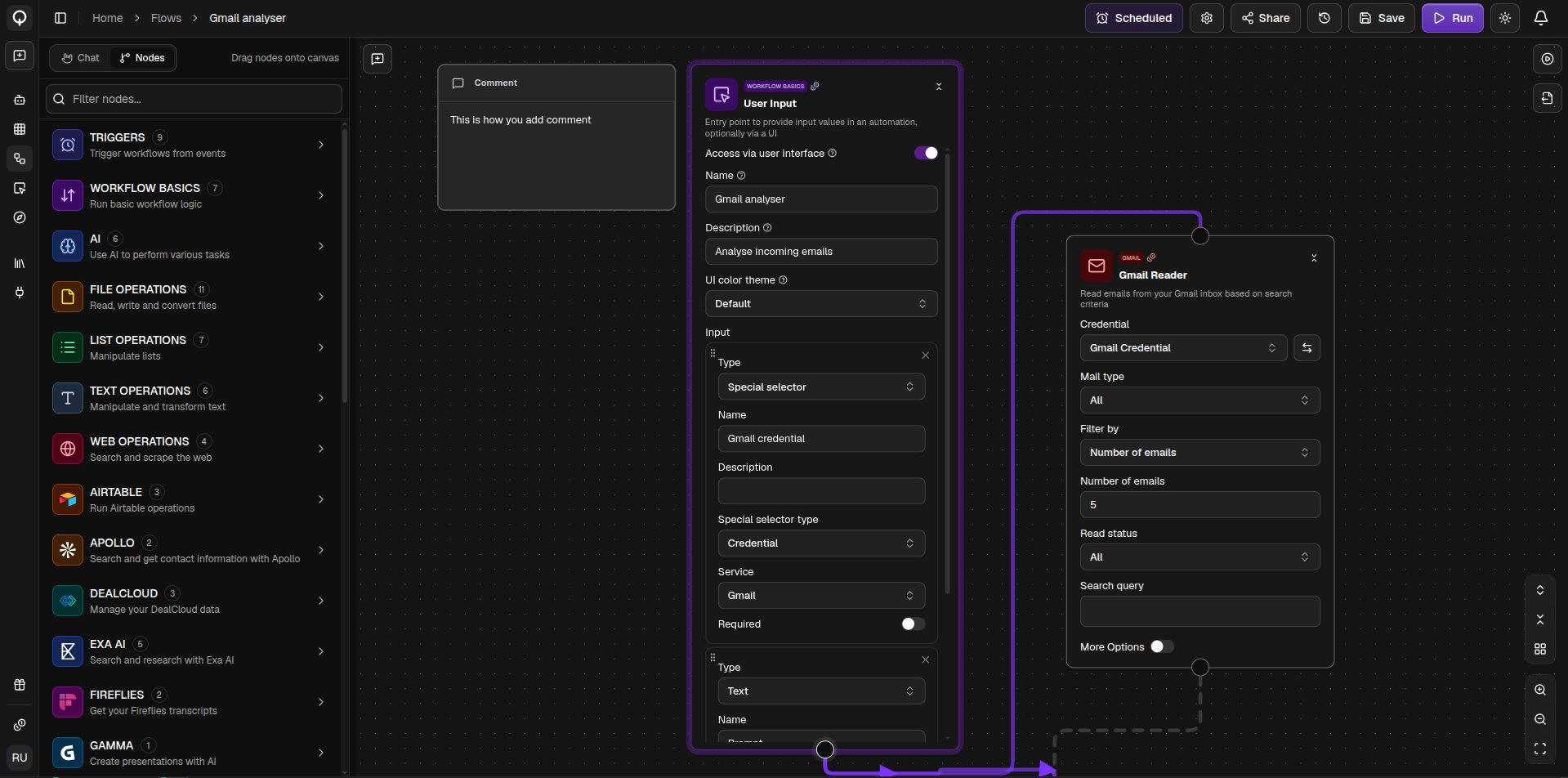 Switch on **Access via user interface** to give the flow its own web page, so teammates can run it by filling in the form. See [Flow user interface](/flows/flow-ui).
## Output
**Output** marks what your flow produces. Every name you add under **Output names** creates a field to wire a result into, and those names become the labels you see in the Output pane after a run.
## Branching
**If Else** splits your flow in two. Give it a value to check, pick an operator, and it sends the result down either the **True output** or the **False output**. Wire both branches from the node's single output handle, then in each downstream node pick the matching value. Only the branch that matches runs, the other one stops there.
**Switch** does the same across more than two paths. Add a case for each value you want to match, plus a default for everything else. The first matching case wins.
## Other basics
* **Subflow** runs another one of your flows inside this one. Pick the flow and the node takes its shape, showing that flow's inputs and outputs as its own ports.
* **Email Me** sends an email to people in your organization as part of the flow, useful for delivering a result when it is done.
* **Custom Code** runs your own Python for anything no node covers, see [Custom code](/flows/nodes/custom-code).
Switch on **Access via user interface** to give the flow its own web page, so teammates can run it by filling in the form. See [Flow user interface](/flows/flow-ui).
## Output
**Output** marks what your flow produces. Every name you add under **Output names** creates a field to wire a result into, and those names become the labels you see in the Output pane after a run.
## Branching
**If Else** splits your flow in two. Give it a value to check, pick an operator, and it sends the result down either the **True output** or the **False output**. Wire both branches from the node's single output handle, then in each downstream node pick the matching value. Only the branch that matches runs, the other one stops there.
**Switch** does the same across more than two paths. Add a case for each value you want to match, plus a default for everything else. The first matching case wins.
## Other basics
* **Subflow** runs another one of your flows inside this one. Pick the flow and the node takes its shape, showing that flow's inputs and outputs as its own ports.
* **Email Me** sends an email to people in your organization as part of the flow, useful for delivering a result when it is done.
* **Custom Code** runs your own Python for anything no node covers, see [Custom code](/flows/nodes/custom-code).